
Network clinic
Packet loss on Ethernet but not Wi-Fi? Test the wired hop
Packet loss on Ethernet but not Wi-Fi points to the wired path. Compare gateway tests, then isolate the cable, port, dock, adapter, and driver.
Straight answers for lag, packet loss, console setup and ISP nonsense. If a VPN won’t help, we’ll say that too.
ZERO SEO OATMEAL. JUST TESTS YOU CAN ACTUALLY RUN.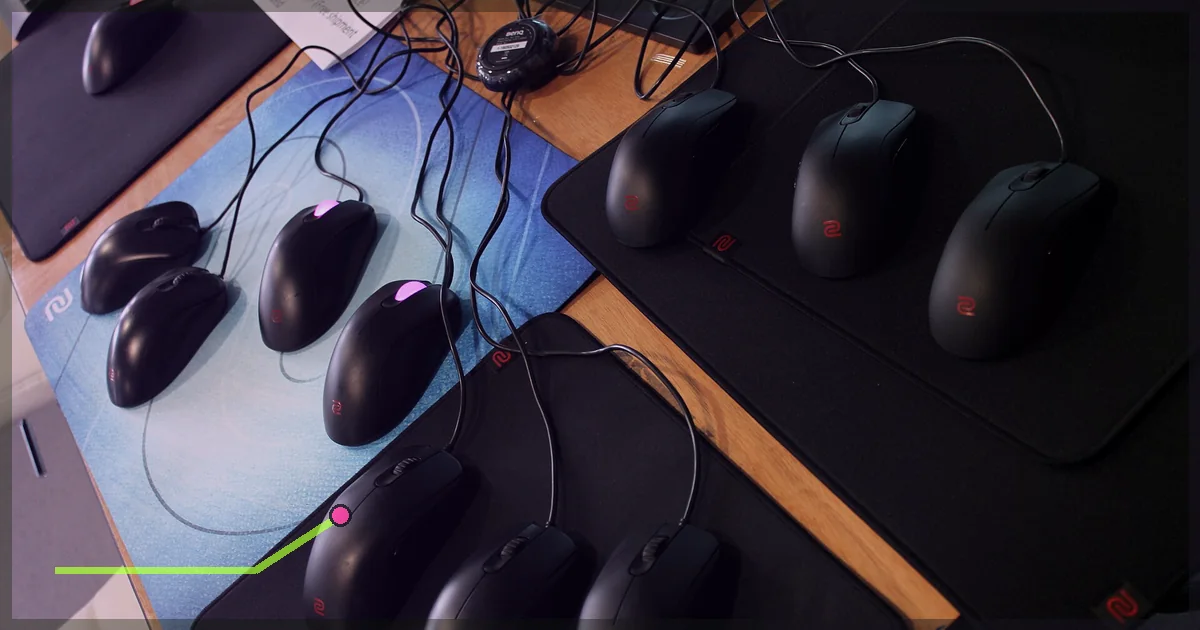
Short answer: usually not. A VPN adds another stop between you and the game server, so the normal result is a small increase in ping. Sometimes it finds a cleaner route than your internet provider and your ping drops. That can happen, but nobody can promise it before testing your exact connection.
Showing 34 guides
Packet loss on Ethernet but not Wi-Fi points to the wired path. Compare gateway tests, then isolate the cable, port, dock, adapter, and driver.

High ping in one game only usually points to its server, selected region, route, or client. Use controlled tests to find which layer adds delay.

Ping spikes but no packet loss usually mean packets arrive late rather than disappear. Compare router, public, and game latency to find where delay begins.

VPN causing high ping? Compare direct and tunneled runs, isolate local delay, then test endpoint distance, protocol, server load, and extra VPN features.

Packet loss when downloading can come from a full queue, busy Wi-Fi, router load, or a line fault. Compare idle and loaded tests to find the failing layer.

Packet loss when uploading can come from a full upstream queue, Wi-Fi contention, device load, or an ISP fault. Use controlled tests to find the failing layer.

Ping spikes when downloading often point to a full network queue. Compare loaded pings, limit one download, test a network cable, and tune QoS carefully.

If a game only works with a VPN, compare DNS, routing, IPv4 and IPv6, firewall rules, and another network before treating the tunnel as a permanent fix.

High ping while streaming often points to upload congestion. Separate network delay from PC stutter, test the queue, and tune one setting at a time.

Packet loss on Wi-Fi but not Ethernet usually points to the wireless hop. Compare gateway pings, bands, signal, drivers, and a wired baseline.

When games keep disconnecting but internet is fine, use timed tests to isolate Wi-Fi, router, ISP route, game service, and device causes.

Getting packet loss in one game but nowhere else? Test the game service, local network, server route, and VPN path without changing random settings.

Use this Rocket League packet loss fix to test servers, your network cable, router, ISP path, and VPN route without changing random settings.

If your game lags when moving the mouse, use controlled tests to separate polling-rate load, software conflicts, USB trouble, frame stutter, and real network lag.

Low ping but still lagging? Separate jitter, packet loss, frame-time stutter, input delay, and server trouble with controlled tests instead of random tweaks.

If Discord makes your game lag, use four controlled tests to separate FPS drops, upload congestion, overlay conflicts, and route trouble before changing settings.

Still getting high ping on Ethernet? Test your gateway, wired link, traffic load, ISP path, and game server in order before changing random settings.

Ping jumps on a repeating schedule while you play? Trace ping spikes every few seconds across your PC, Wi-Fi, household traffic, router, and ISP path.

Speed test looks normal but games keep dropping packets? Diagnose packet loss but internet is fine by testing Wi-Fi, Ethernet, load, routes, and game servers.

Fast downloads but laggy games? Diagnose high ping in games but good internet by testing FPS, server region, Ethernet, loaded latency, routing, and more.

Use the right VPN protocol, server location, MTU, split tunneling, kill switch, and DNS settings for stable gaming without fake zero-ping promises.
Valve prohibits disguising your residence to bypass geo-restrictions or regional pricing. Learn the rule, legitimate travel options, and VPN-safe uses on Steam.

Fix Fortnite lag by identifying high ping, packet loss, stutter, or low FPS first. Follow platform-specific checks for PC, PS5, and Xbox.

VPN made gaming worse? Diagnose high ping, packet loss, strict NAT, DNS leaks, blocked logins, slow downloads, and disconnects without random tweaks.
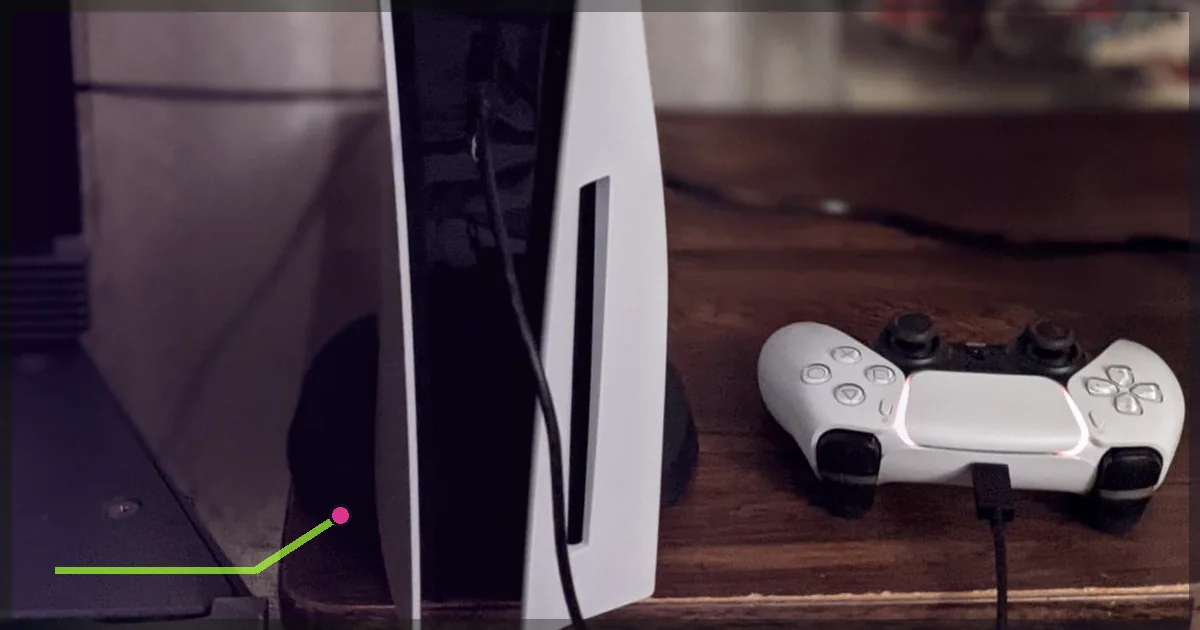
PS5 has no normal VPN app, but you can connect through a VPN router or share a VPN from Windows or Mac. Follow all three methods and test the result.

Xbox has no normal VPN app. Connect through a VPN router or share LagZero from Windows or Mac, then check NAT, ping, packet loss, and public IP.
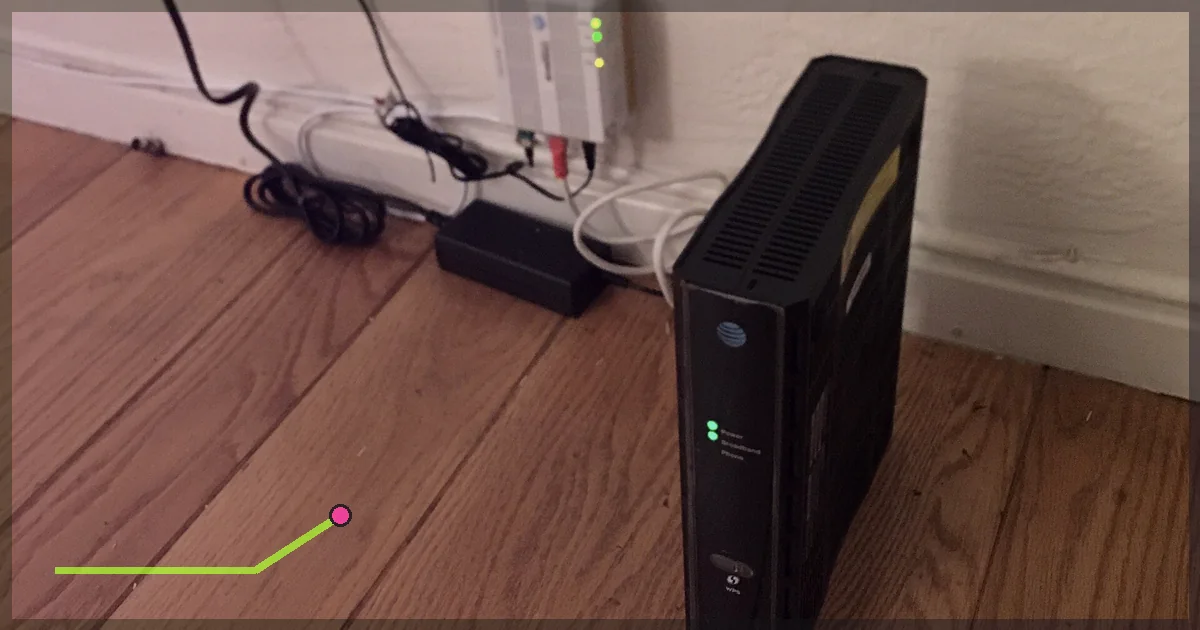
Learn how to test gaming throttling with time-matched VPN and non-VPN results, latency under load, packet loss, and route checks.

Fix Roblox lag by separating high ping from low FPS, then checking server status, Wi-Fi, background traffic, graphics, device limits, and routing.

Fix Valorant packet loss by testing your PC, Wi-Fi, router, ISP route, and Riot service in order. Includes commands, result tables, and VPN A/B testing.

Nintendo Switch 2 and Switch have no normal VPN app. Connect through a VPN router or a shared computer connection, then test NAT, ping, and stability.

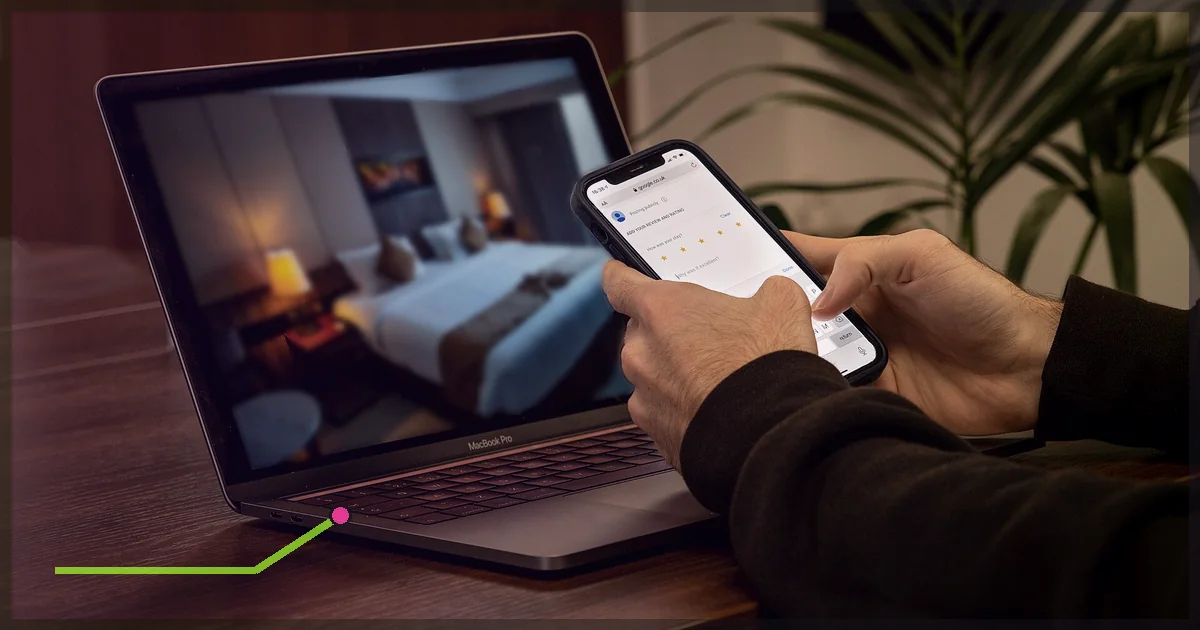
Get games working on hotel Wi-Fi, complete captive-portal sign-in, protect traffic with a VPN, handle blocked ports, and reduce avoidable lag.

Set up LagZero on Steam Deck through desktop mode, NetworkManager, or a VPN router. Learn what survives in game mode and how to troubleshoot DNS and leaks.

Fix Warzone lag on PC, PS5, and Xbox by separating ping, packet loss, packet burst, and FPS stutter, then testing each cause in order.

Games fine all day but laggy at night? Test Wi-Fi, household traffic, ISP congestion, routing, packet loss, and game servers in the right order.
No guide matches that particular flavor of broken. Try a shorter search.