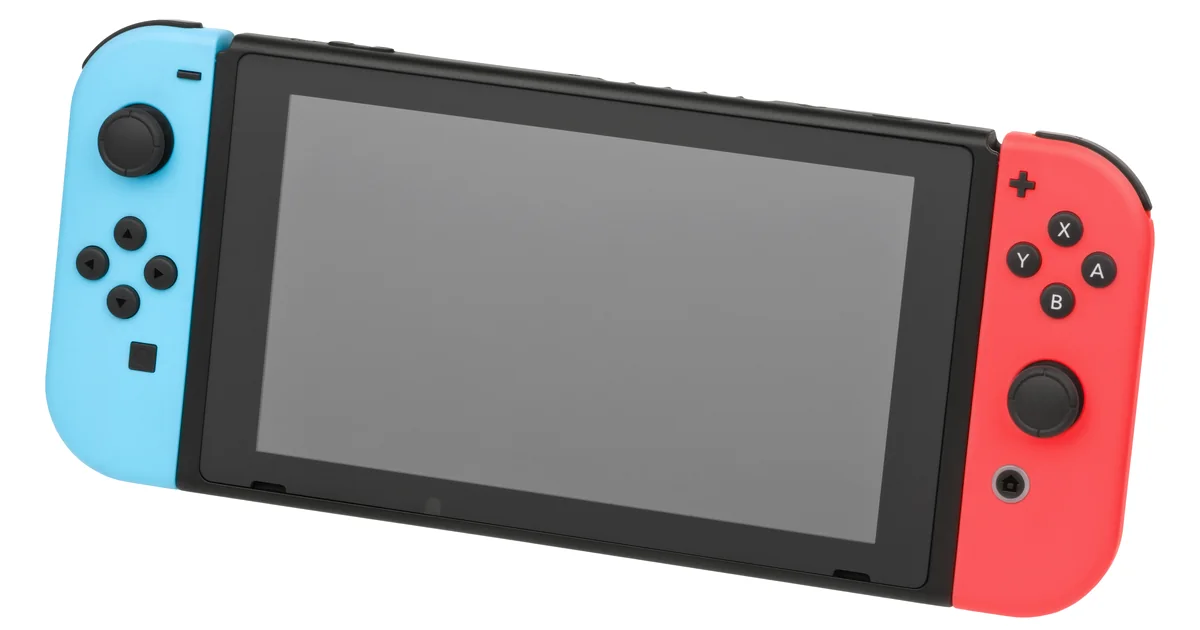
For Nintendo Switch high ping, first confirm the symptom in the game because the console connection test does not display ping. Keep the game, mode, and region fixed, then compare a quiet network with normal household traffic. Move close to the router, compare the other Wi-Fi band, and test docked Ethernet when supported. NAT type can affect peer connections, but it is not a latency score.
Nintendo Switch and Switch 2 connection-test fields, latency troubleshooting, wired and wireless guidance, and NAT definitions were checked against current Nintendo Support. Loaded latency, jitter, and packet-loss guidance was checked against Cloudflare documentation.
IN THIS GUIDE
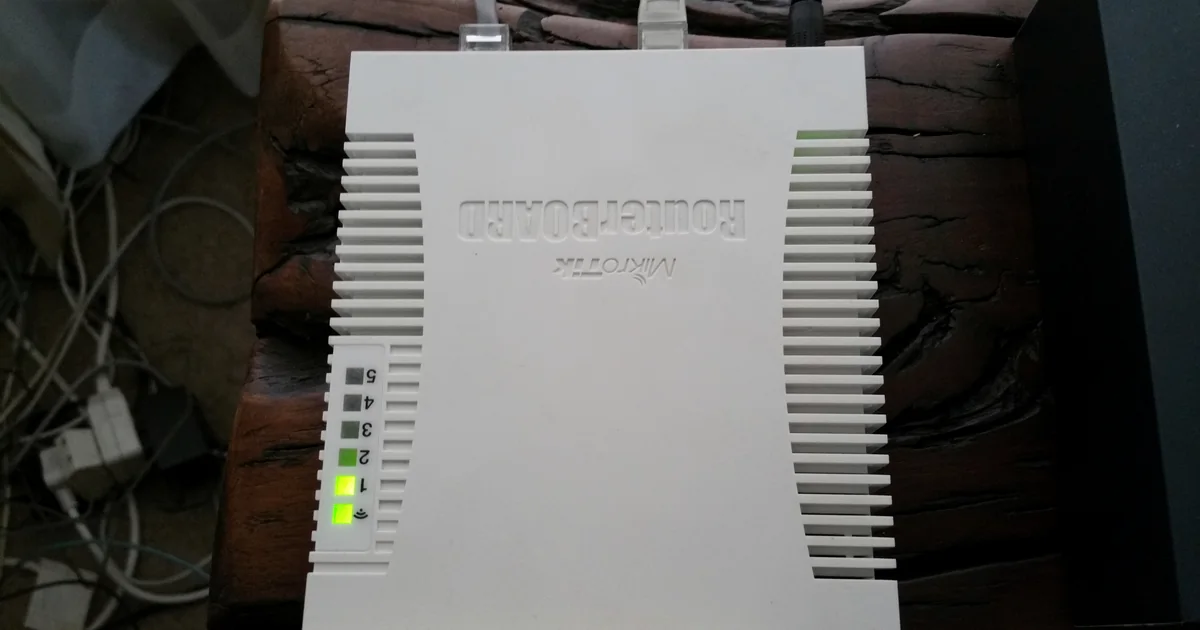
Nintendo Switch high ping can feel like delayed inputs, players jumping around, late item hits, or a match that pauses and catches up. Those symptoms do not all prove the same cause. Wi-Fi interference, household traffic, a distant opponent or server, the selected game region, and frame-rate trouble can look annoyingly similar.
The useful fix is a controlled comparison. Keep the game and matchmaking conditions steady, change one link at a time, and stop when the evidence points somewhere specific.
Confirm that the problem is network latency
Start inside the affected game. If it exposes ping, latency, connection bars, packet loss, or a network warning, record the value and exact time. Keep the game mode, matchmaking region, and party setup the same for each comparison.
Nintendo’s built-in test is still useful, but it has a limit. Open System Settings > Internet > Test Connection. Nintendo says the result includes connection success, SSID, global IP address, NAT type, download speed, and upload speed. It does not list ping, jitter, or packet loss to your current match.
Record the result, but do not call a successful test proof that the game path is healthy.
Separate network lag from local performance:
- Players teleport or inputs arrive late while the game keeps drawing normally: network latency or loss is plausible.
- The whole image hitches, menus feel slow, or animation becomes uneven offline too: frame time, heat, storage, game code, or display processing may be involved.
- Only one opponent or lobby feels delayed: the other peer, host, region, or match path may be different.
- Every online game degrades together: the local network, household load, ISP link, or wider service deserves attention.
If one title is the only problem, use the high ping in one game checklist before changing console-wide settings.
Build a repeatable Nintendo Switch high ping baseline
Choose one game, mode, region, and roughly 15-minute test window. Run two or three sessions rather than trusting one unusually blessed or cursed lobby. Write down:
- date and local time;
- handheld or docked mode;
- Wi-Fi band or wired connection;
- game, mode, and selected region;
- displayed ping or connection warning, if available;
- Nintendo connection-test NAT type and speeds;
- active downloads, streams, calls, or cloud backups.
Check the publisher’s service page and Nintendo’s network status first. If there is an active incident, retest after it clears.
Also compare a second online game. One affected game points toward its service, matchmaking pool, selected region, or route. Several affected games make the shared connection more suspicious. The high ping with otherwise good internet guide covers that wider branch.
Isolate Wi-Fi before touching advanced settings
Nintendo Support recommends moving the console close to the wireless router during troubleshooting and removing likely sources of interference. For one test, play in the same room with a clear path between the Switch and router. Keep the router out in the open rather than behind a television, inside a cabinet, or beside large metal objects.
If the router offers separate 2.4 GHz and 5 GHz network names, compare both. Nintendo’s cloud-game guidance prefers 5 GHz when conditions allow, while 2.4 GHz can reach farther. The better band in your home depends on distance, walls, neighbors, and interference. Test instead of declaring one band the permanent champion.
For a docked comparison, use supported wired hardware. The Nintendo Switch OLED dock and Nintendo Switch 2 dock include a LAN port. An original Nintendo Switch dock requires a compatible USB LAN adapter. Nintendo Switch Lite needs compatible accessory hardware and cannot simply grow an Ethernet socket through optimism.
Keep everything else the same, then compare Wi-Fi, wired, and Wi-Fi again:
| Result | Better first suspect |
|---|---|
| Wired stays steady, Wi-Fi repeatedly lags | Signal, interference, band choice, router placement, or mesh path |
| Wired and Wi-Fi fail together | Household load, router, modem, ISP, route, game service, or distant peer |
| Only one wired adapter or cable fails | Adapter, cable, dock port, or wired configuration |
| Both paths are clean but the game stutters | Frame time, display, game code, or a match-specific problem |
Test household load and loaded latency
Pause console downloads, game updates, 4K streams, cloud backups, video calls, security-camera uploads, and large transfers. Run the same match while the connection is quiet. Then recreate normal household traffic and repeat.
Cloudflare’s internet-quality documentation separates loaded latency from idle latency because a busy connection can delay real-time traffic even when download speed looks impressive. It also evaluates jitter and packet loss, which a basic throughput number can miss.
Use a computer on the same router to run an internet-quality test during the same time window. Treat it as supporting evidence, not a measurement of the Switch match.
If the quiet run is good and the loaded run is bad, inspect your router maker’s documented smart queue management or QoS feature. Apply one supported setting and repeat the exact test. Do not stack a new queue rule, manual MTU, custom DNS, and port forwarding into one mystery bundle.
For a problem that appears mostly in the evening, compare the same test earlier in the day and follow the night lag diagnostic.
Treat NAT type as connectivity evidence, not ping
Nintendo’s connection test grades NAT from A, best for peer-to-peer communication, through F, unable to complete peer-to-peer communication. Nintendo says stricter NAT types can prevent some online activities or make it harder to connect with other players.
NAT type does not measure round-trip delay. A Type A or B result can coexist with high latency, and changing NAT does not shorten physical distance to another player or server. If matchmaking or joining friends fails, follow Nintendo’s NAT troubleshooting and your router maker’s instructions. Avoid broad DMZ or port-forwarding changes without understanding the security tradeoff.
DNS is also commonly blamed for live match lag. DNS resolves a service name before a connection is established. A different resolver may help a lookup problem, but it usually does not change the active packet path once the match is connected.
Escalate only after the local path is stable
When local tests are clean and one destination still has repeatable high latency, save timestamps, match IDs, region, and comparison results for the game publisher or ISP.
A VPN route may help only when the direct upstream route is the problem. It can also add delay, break peer connectivity, or make the route less stable. A Switch normally needs a compatible router or a shared connection because there is no standard console VPN app. The Nintendo Switch 2 VPN setup guide explains those options and limits.
If you compare routes, keep the game region fixed and test direct, tunneled, then direct again. Keep the alternate route only if the same relevant metric improves repeatedly. LagZero is pre-launch, so join the waitlist if you want an honest route comparison when it is ready, not a promise that every lobby becomes local.
FAQ
Why is my Nintendo Switch ping high when other devices are fine?
The Switch may use a different Wi-Fi band, antenna position, network path, game region, or peer than the other device. Compare the same game near the router and over supported wired Ethernet before blaming the internet plan.
Does the Nintendo Switch connection test show ping?
No. Nintendo documents connection status, SSID, global IP address, NAT type, download speed, and upload speed. Measure latency in a game that exposes it. A test on another device is useful context, but it is not the exact Switch match path.
Will Ethernet fix high ping on Nintendo Switch?
Ethernet can remove weak signal and wireless interference from the local path. It will not fix a distant opponent, overloaded game service, ISP congestion, or a poor upstream route. Use it as a comparison, not a guaranteed cure.
Is NAT Type B causing high ping?
Not by itself. Nintendo says Type B is compatible with most other NAT types. NAT describes peer-connectivity behavior, not latency. Investigate NAT when joining or matchmaking fails, while testing ping separately.
Does changing DNS lower Nintendo Switch ping?
Usually not during an established match. DNS helps translate service names into addresses before connection. It may affect lookup or login behavior, but it does not normally control the live route carrying game traffic.
Can a gaming VPN fix Nintendo Switch high ping?
Sometimes, if the direct ISP route is the cause and the alternate route is better. A VPN can also increase latency or complicate peer connectivity. Stabilize Wi-Fi or Ethernet first, then compare repeated sessions without promising a specific result.
Sources
- Nintendo Support: Issues with latency while playing online
- Nintendo Support: How to use the Internet connection test
- Nintendo Support: Troubleshooting slow download and upload speeds
- Nintendo Support: Unable to connect with others online
- Nintendo Support: Improve connection and reduce latency in cloud games
- Cloudflare: Aggregated Internet Measurement
IMAGE CREDITS Nintendo-Switch-wJoyCons-BlRd-Standing-FL.jpg by Evan-Amos (Public domain); cropped and color-graded by LagZero. · Wireless Router.jpg by Deavmi (CC BY-SA 3.0); cropped and color-graded by LagZero.